Wello Solutions
With Wello Solutions modules in Make, you can manage the tasks, articles, companies, and contacts, and monitor invoice details in your Wello Solutions account.
To use the Wello Solutions modules, you must have a paid Wello Solutions account. You can create an account at wello.solutions. For subscription information, refer to the Wello Solutions Pricing page.
Connect Wello Solutions to Make
To establish the connection, you must:
Obtain your API key in Wello Solutions
To obtain your API key from your Wello Solutions account:
- Log in to your Wello Solutions account.
- Click Connectors icon.
Click Wello API.
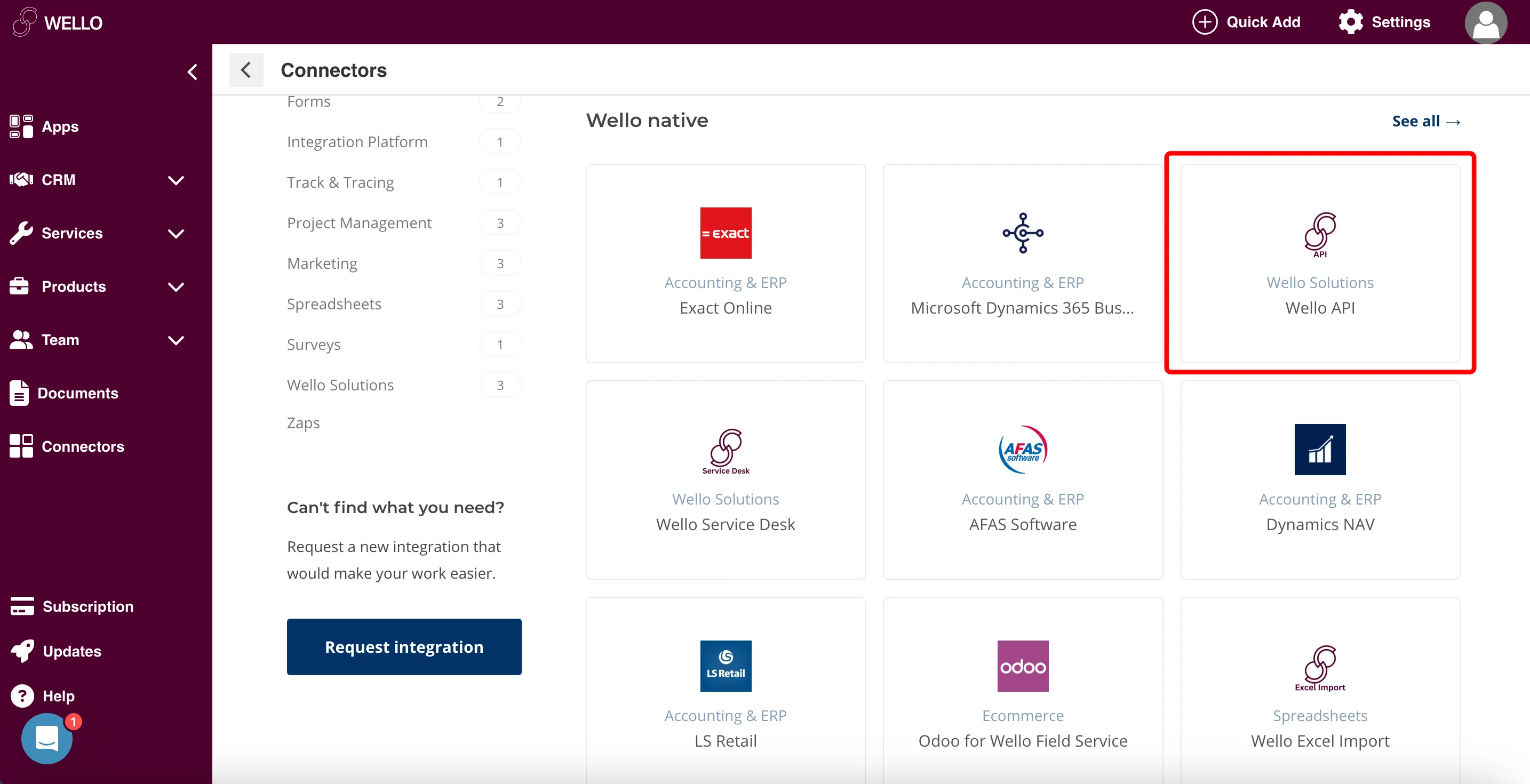 Wello_Solutions_1.png
Click Install > + Icon
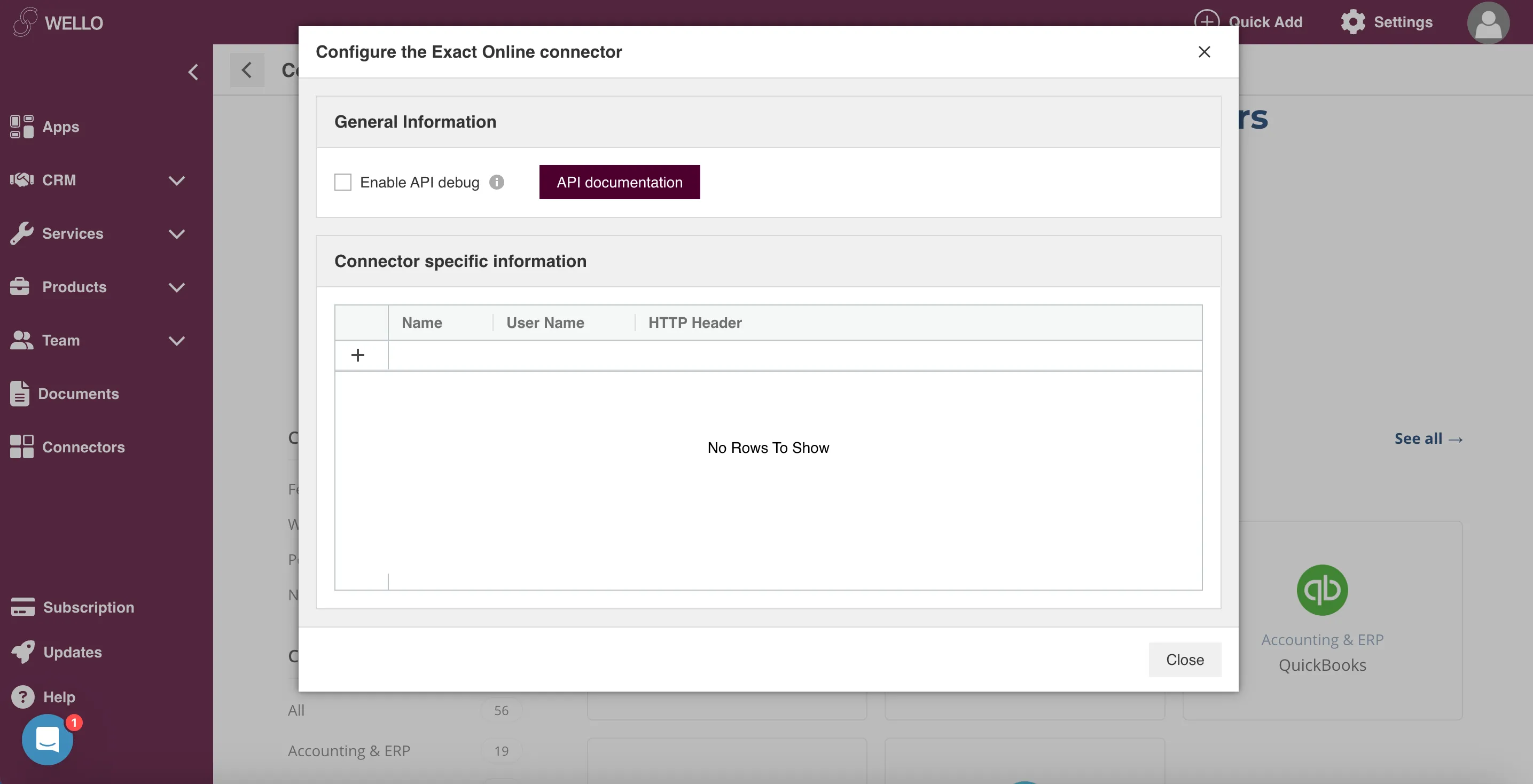
Enter the details for API Key. Click Save and Copy.
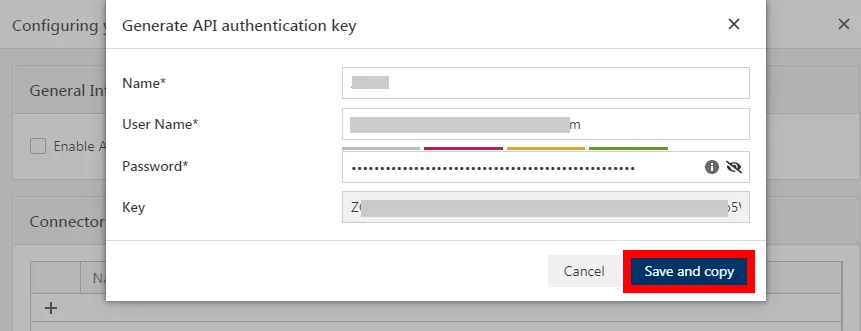
You will use this value in the API Key field in Make.
Establish the connection with Wello Solutions in Make
To establish the connection in Make:
- Log in to your Make account, add a Wello Solutions module to your scenario, and click Create a connection.
- Optional: In the Connection name field, enter a name for the connection.
- In the API Key field, enter the API key copied above.
- Click Save.
- If prompted, authenticate your account and confirm access.
You have successfully established the connection. You can now edit your scenario and add more Wello Solutions modules. If your connection requires reauthorization at any point, follow the connection renewal steps herehere.
Build Wello Solutions Scenarios
After connecting the app, you can perform the following actions:
Tasks
- Watch Tasks
- List Tasks
- Get a Task
- Create a Task
- Update a Task
Articles
- Watch Articles
- List Articles
- Get an Article
- Create an Article
- Update an Article
Companies
- Watch Companies
- List Companies
- Get a Company
- Create a Company
- Update a Company
Contacts
- Watch Contacts
- List Contacts
- Get a Contact
- Create a Contact
- Update a Contact
Other
- Make an API Call