Google Search Console
| With the Google Search Console app in Make, you can manage sitemaps, inspect URLs, and run reports in your Google Search Console account. |
|---|
Requirements
To use the Google Search Console app in Make, you must have a Google account.
Connect Google Search Console and Make
To create the connection:
Log in to your Make account, add a Google Search Console module to your scenario, and click Create a connection.
Optional: In the Connection name field, enter a name for the connection.
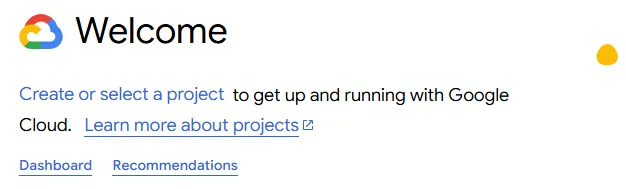
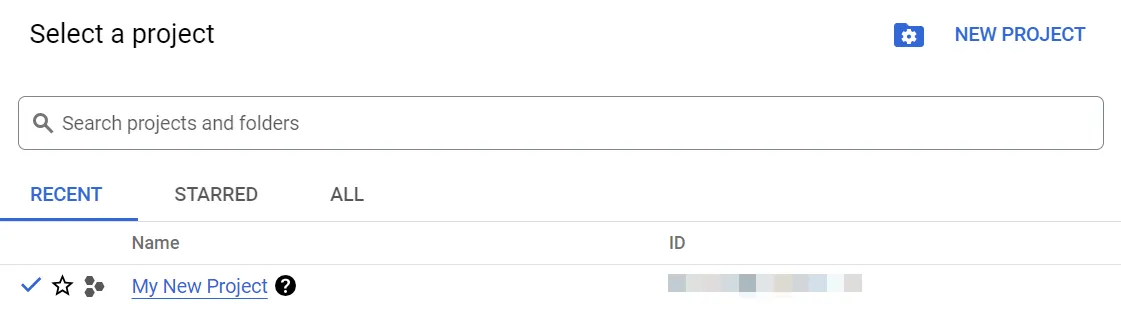
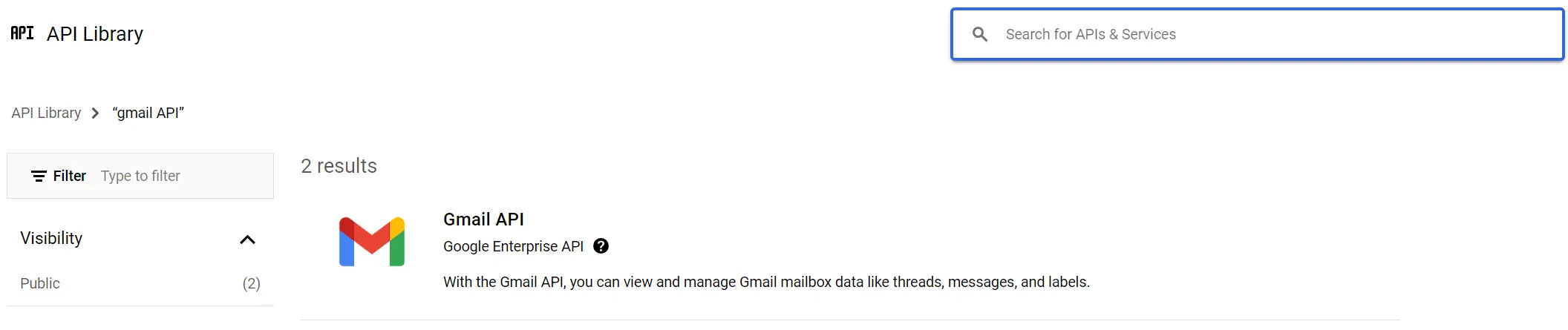
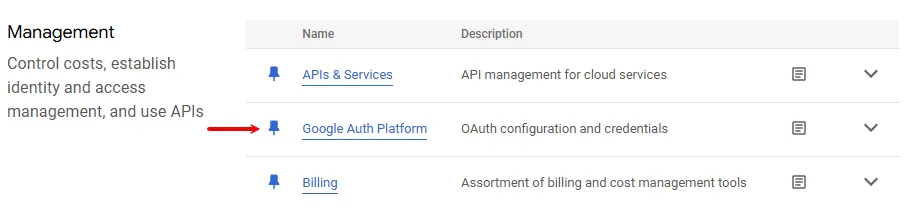
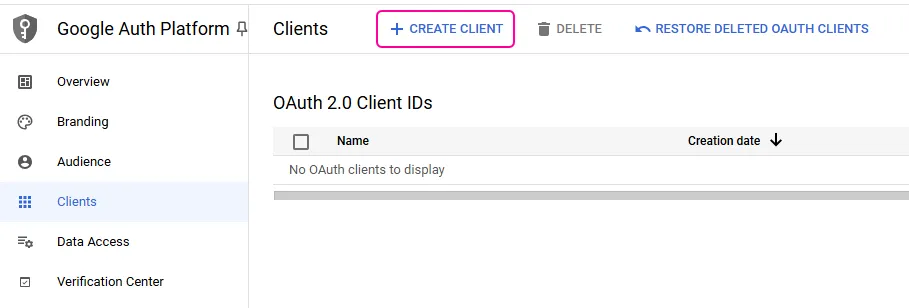
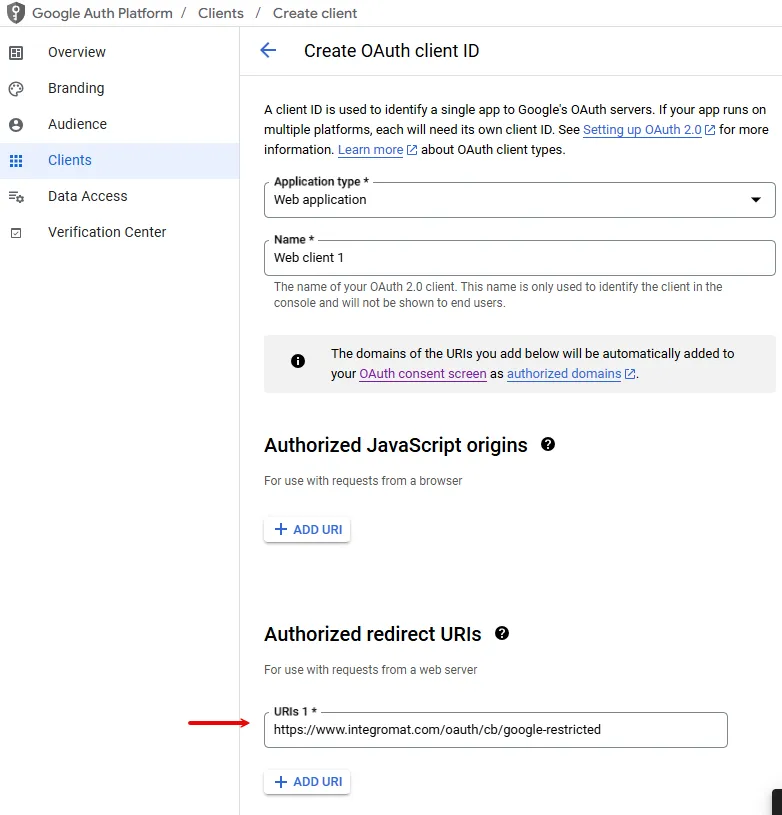
Optional: Switch on Show advanced settings and enter your Google Search Console client credentials. For more information, see the Create and configure a Google Cloud Platform project below.
Click Sign in with Google.
If prompted, authenticate your account and confirm access.
You've successfully created the connection and can now use the Google Search Console app in your scenarios. If you want to make changes to your connection in the future, follow the steps here.

Google Search Console modules
After connecting to the Google Search Console app, you can use the following types of modules to build your scenarios.