Google Groups
With the Google Groups app in Make, you can manage the groups and members in your Google Groups.
Requirements
To use the Google Groups app in Make, you must have a Google Workspace account and be the administrator of the Workspace domain.
Make's use and transfer of information received from Google APIs to any other app will adhere to Google API Services User Data Policy.
Connect Google Groups and Make
To create the connection:
Log in to your Make account, add a Google Groups module to your scenario, and click Create a connection.
Optional: In the Connection name field, enter a name for the connection.
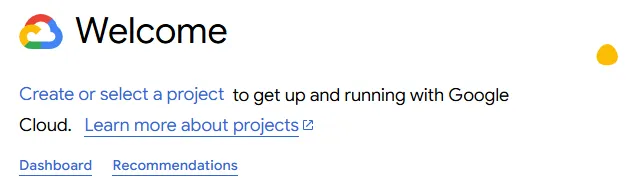
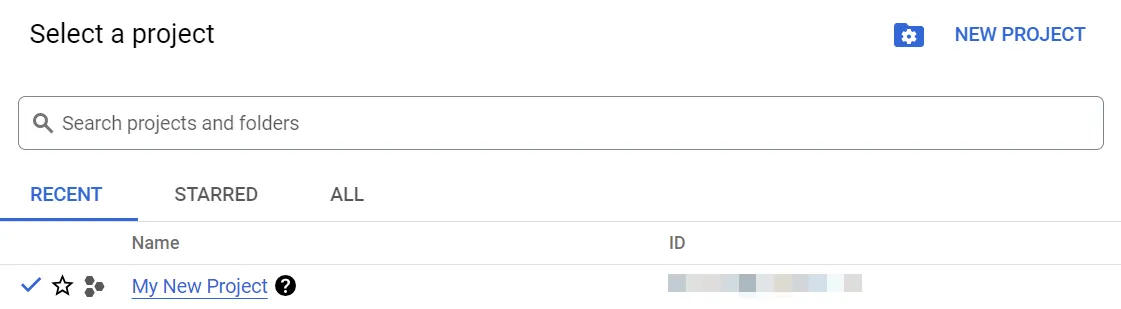
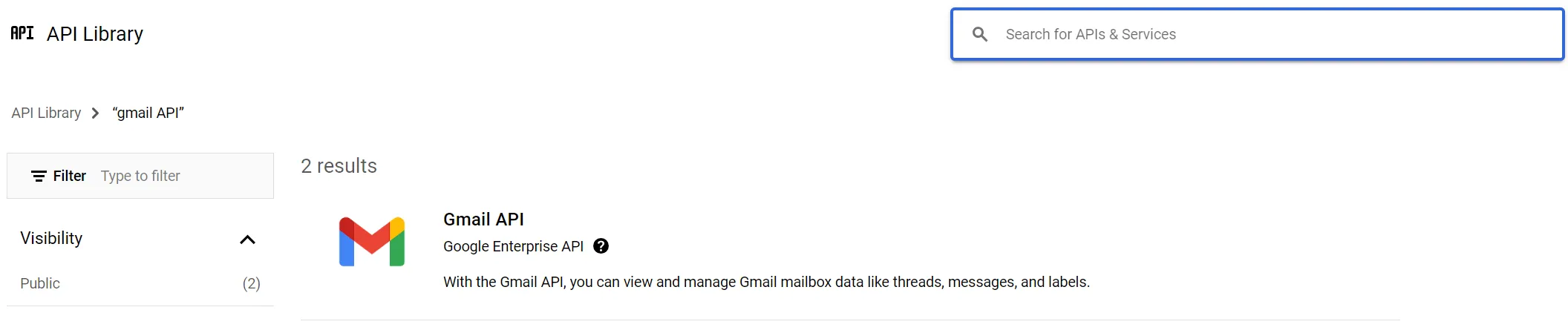
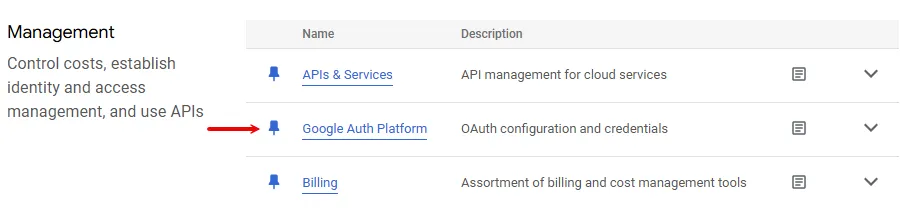
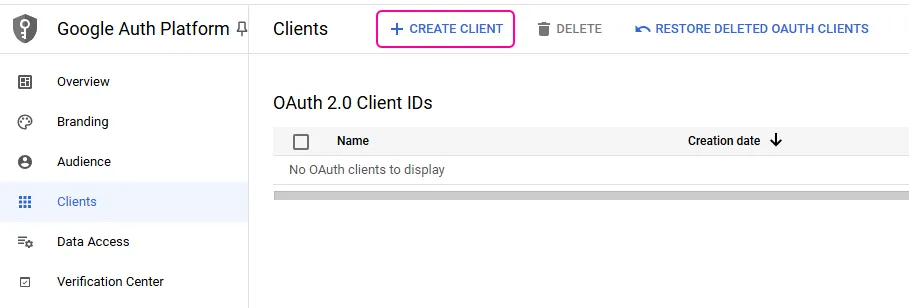
Optional: Switch on the Show advanced settings toggle and enter your Google Cloud Platform project client credentials. For more information, see the Create and configure a Google Cloud Platform project for Google Groups section.
Click Sign in with Google.
If prompted, authenticate your account, grant all requested permissions, and confirm access.
You've successfully created the connection and can now use the Google Groups app in your scenarios. If you want to make changes to your connection in the future, follow the steps here.


Google Groups modules
After connecting to the Google Groups app, you can use the following types of modules to build your scenarios.