Gmail

Gmail is an email service provided by Google. With the Gmail app in Make, you can manage the emails, drafts, and attachments in your Gmail account.
Gmail Version 4 is now the default version of the Gmail app with updated modules and simplified setup.
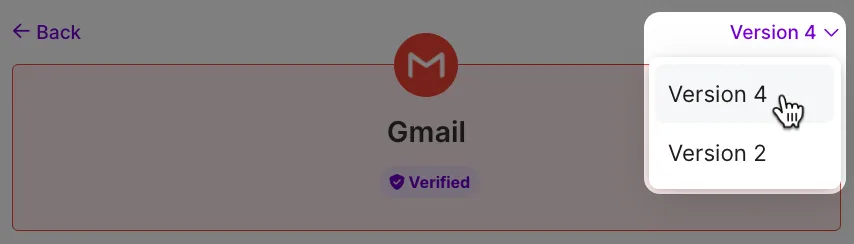
If you're still using the older Version 2 modules, refer to our Gmail (Legacy) documentation.
Requirements
To use the Gmail app in Make, you must have a Google account.
Make's use and transfer of information received from Google APIs to any other app will adhere to Google API Services User Data Policy.
Connect Gmail and Make
To get started, you must first create a connection between Gmail and Make, allowing the two services to communicate.
To create the connection:
Log in to your Make account, add a Gmail module to your scenario, and click Create a connection.
Optional: In the Connection name field, enter a name for the connection.
Optional: In the Additional Scopes field, add the required Gmail API scopes.
These additional scopes are necessary for each API call you make using the Make an API Call module with this connection. For more details, see the Gmail API Documentation.
Optional: Switch on Advanced settings and enter your Gmail client credentials. For more information on how to obtain your credentials, refer to the Create and configure a Google Cloud Platform project for Gmail section.
Click Sign in with Google.
If prompted, authenticate your account and confirm access.
You've successfully created the connection and can now use the Gmail app in your scenarios. If you want to make changes to your connection in the future, follow the steps here.
Reauthorize your Gmail connection
Starting June 3, 2024, Google limits Gmail access for reporting and monitoring apps, such as Make, to six months for users with personal @gmail.com accounts. This means that if you’ve created a connection between Gmail and Make using your personal Gmail account, you have to renew permissions and reauthorize the connection every six months.
In Make, you will see a reminder like this:
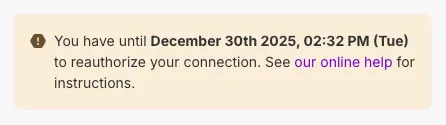
This reminder is dynamic. Once you reauthorize your connection, you'll see a new validity date.
To reauthorize your connection:
In the left sidebar, select Connections.
Click the Reauthorize button for the required connection.
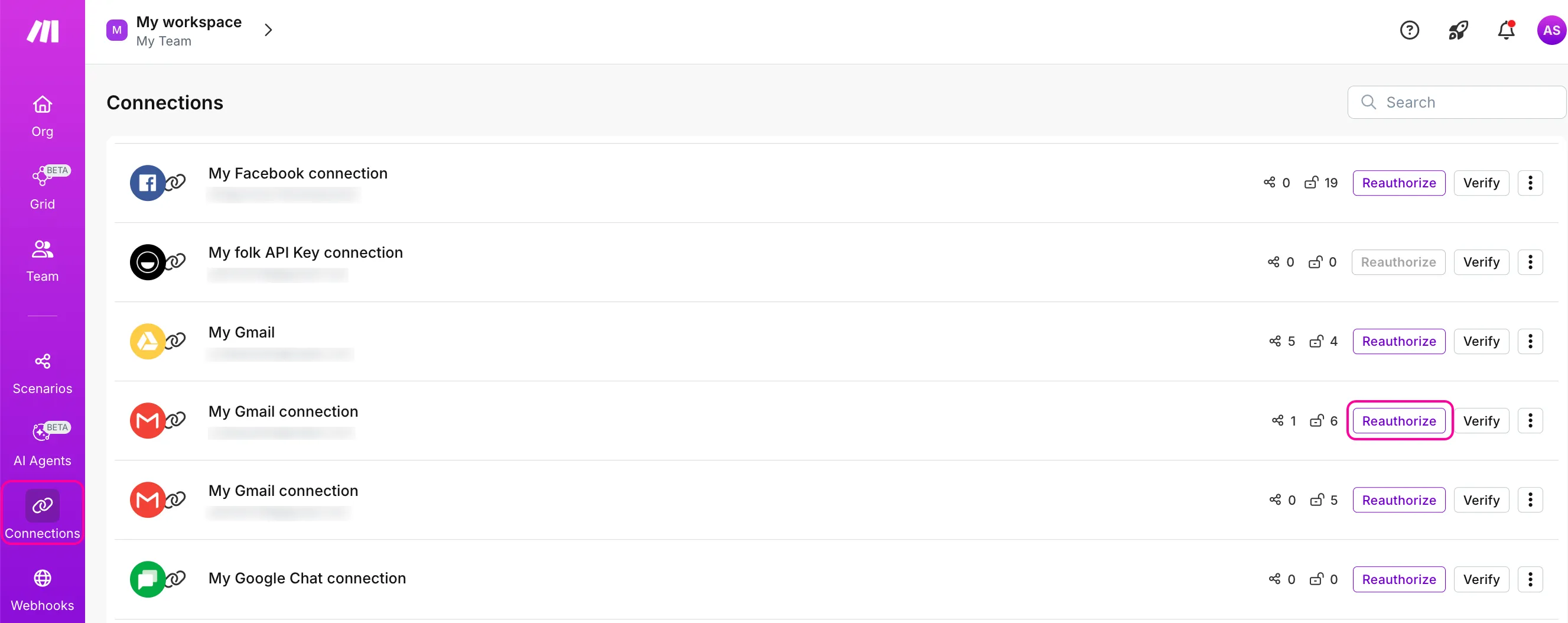
In the next window, select your Google account.
Review Make's Privacy Policy and Terms of Service to see how Make will process and protect your data, and click Continue.
Click Allow to let Make access your Gmail account.
Your connection is now reauthorized.
Templates
You can look for Gmail templates in Make's template gallery, where you'll find thousands of pre-created scenarios.