Global SMS
1 min
With the Global SMS modules in Make, you can create, update, retrieve and delete the contacts in your Global SMS account.
To get started with the Global SMS, create an account at smsglobal.com.
Connect Global SMS with Make
To connect the Global SMS app with the Make:
- Log in to your Global SMS account.
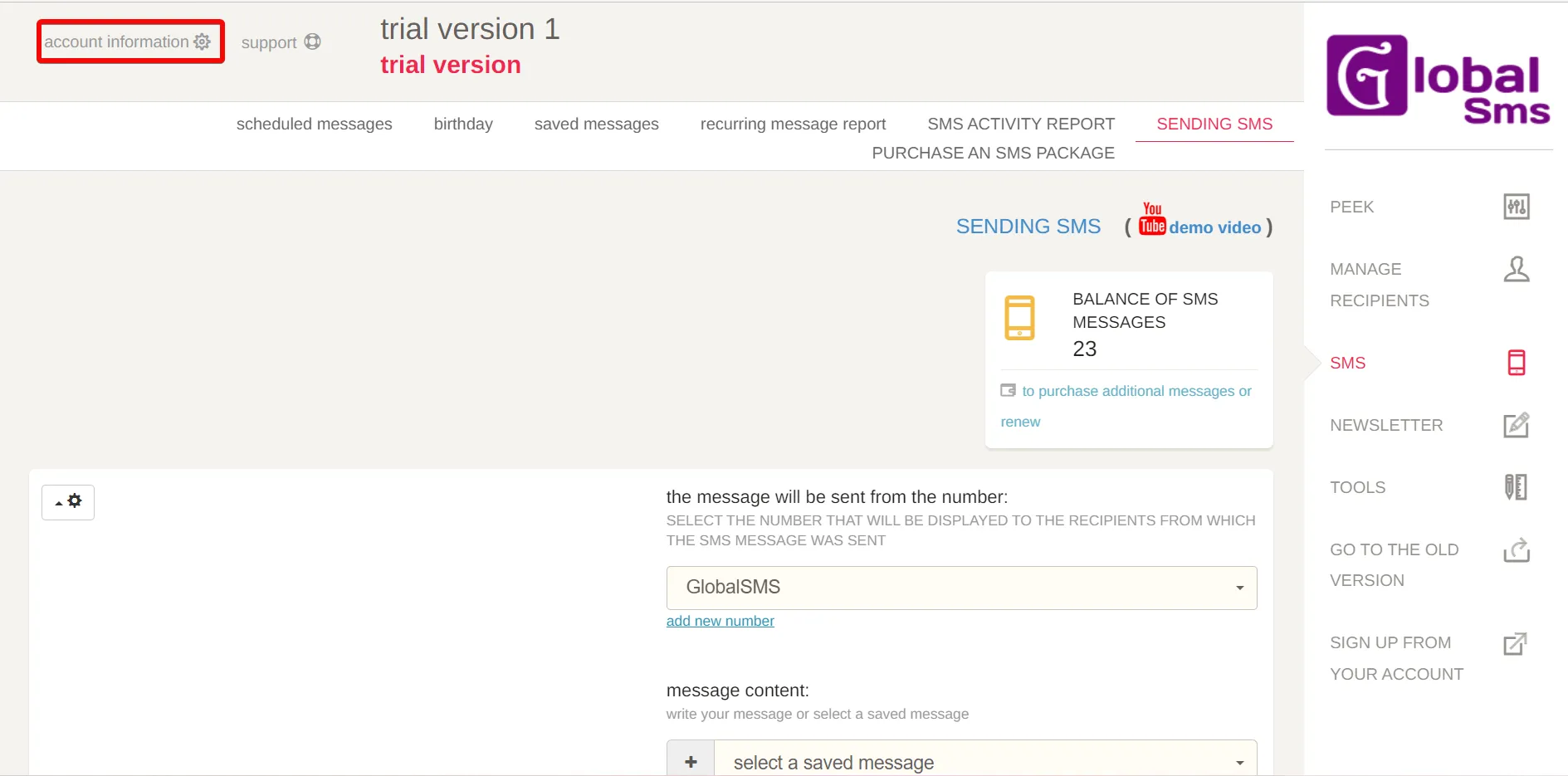
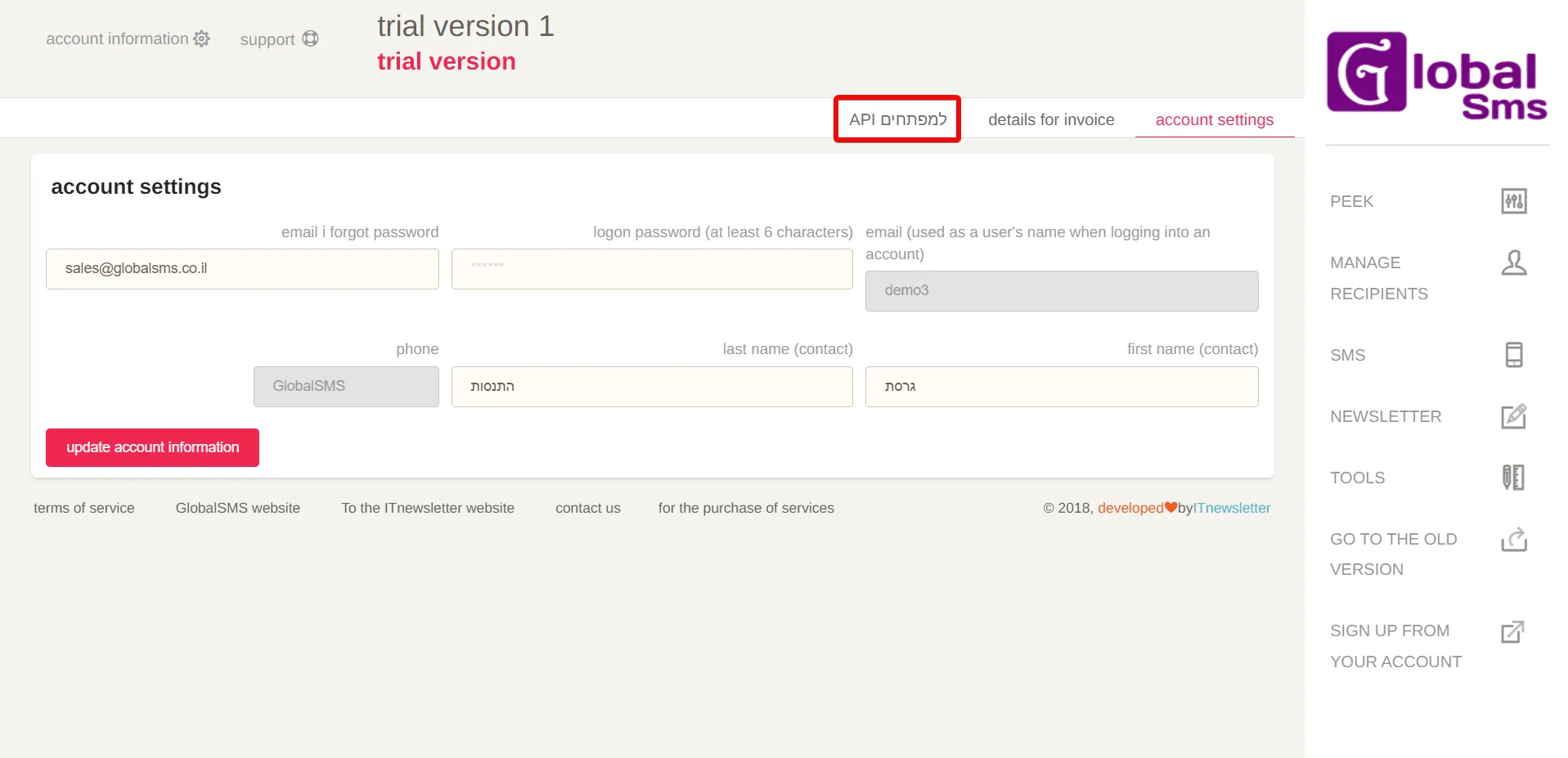
Click Account Information > API.
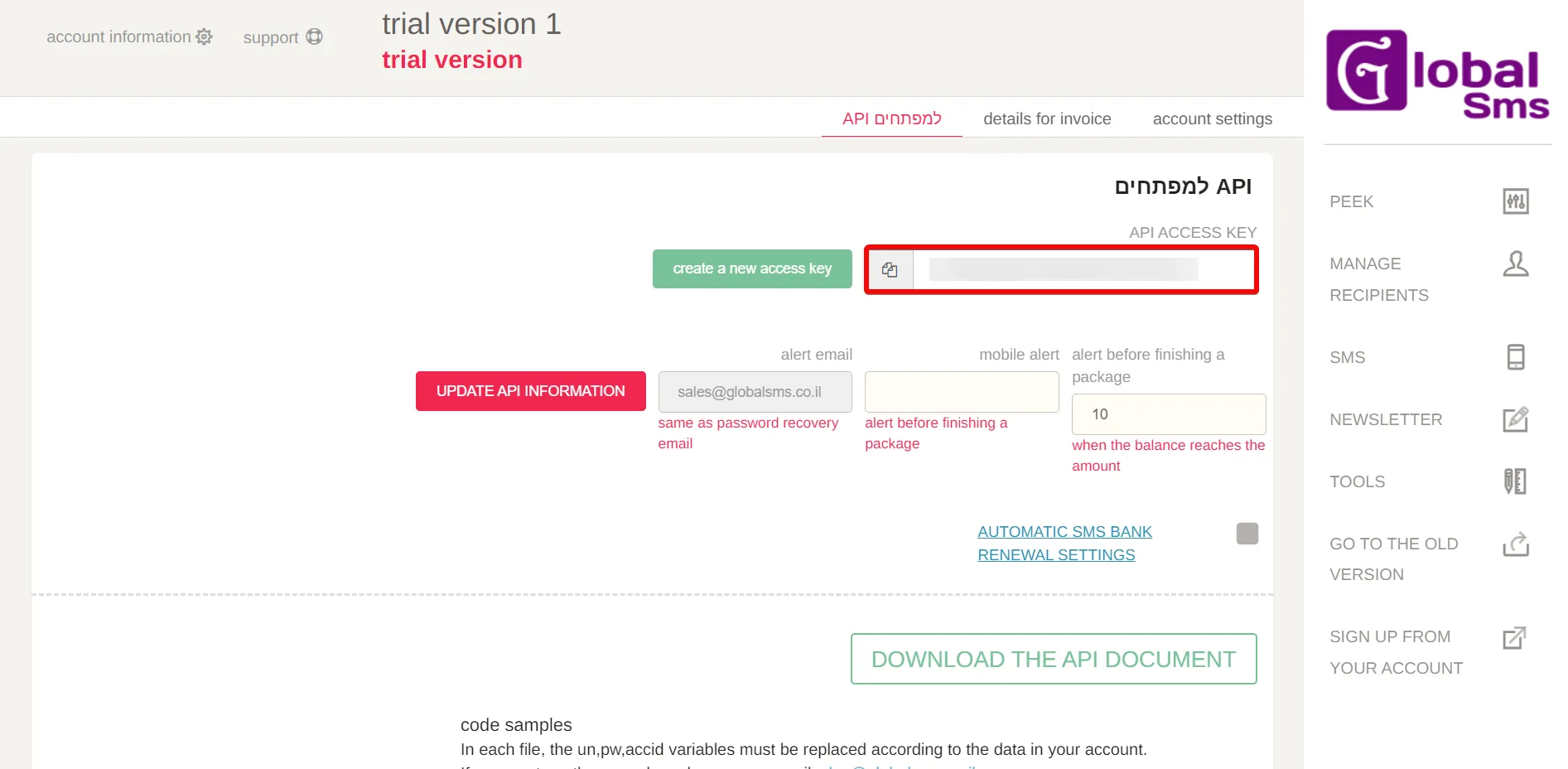
Copy the API Key to a safe place.
- Log in to your Make and add a module from the Global SMS into a Make scenario.
Click Add next to the Connection field.

- In the Connection name field, enter a name for the connection.
- In the API Key field, enter the details copied in step 3 and click Save.
You have successfully connected the Global SMS app with Make and can now build scenarios.