Dropbox Business
The Dropbox Business modules enable you to monitor, publish or update posts, photos, and videos in your Dropbox Business account.
Getting Started with Dropbox Business
Prerequisites
- A Dropbox Business account
In order to use Dropbox Business with Make, it is necessary to have a Dropbox Business account. If you do not have one, you can create a Dropbox Business account at https://www.dropbox.com/business.
Connecting Dropbox Business to Make
To connect your Dropbox Business account to Make follow the general instructions for Connecting an application.
After you click the Continue button, Make will redirect you to the Dropbox Business website where you will be prompted to grant Make access to your account.
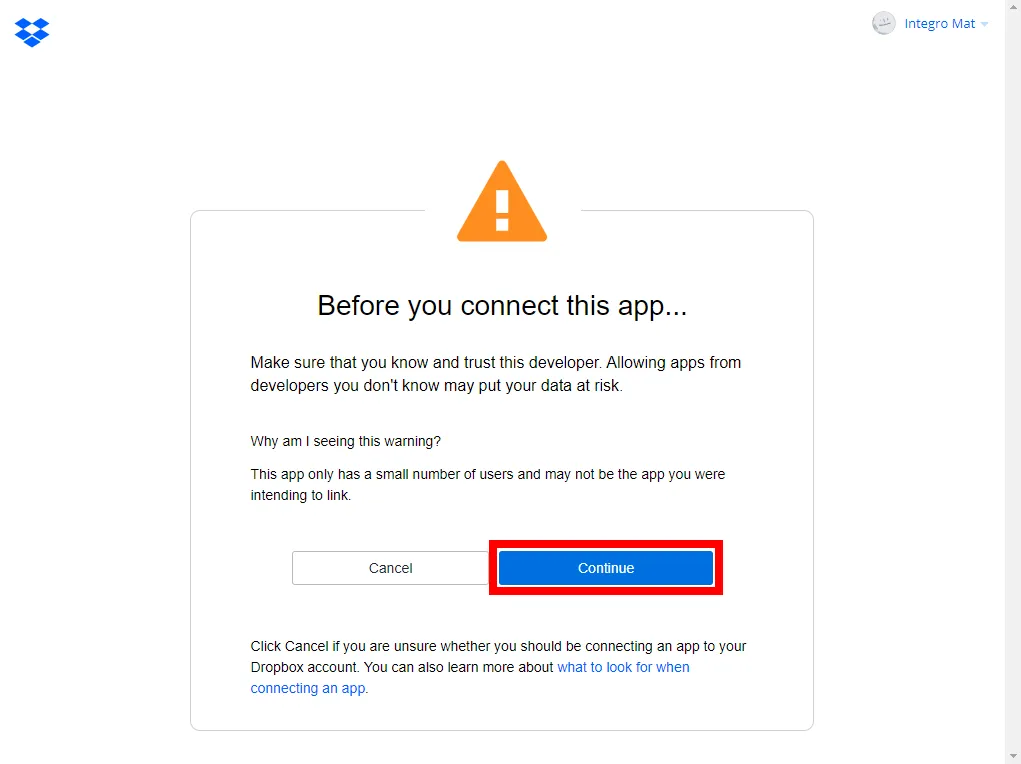
- Confirm the dialog by clicking the Continue button.
- Confirm the access to the team by clicking the Allow button.
The connection to your Dropbox account has been established.
If you are not sure what is going on in your Dropbox account, we recommend to check Admin Console > Activity log.