Make AI Content Extractor
Make AI Content Extractor is available on paid plans. To use it, upgrade to a paid plan. While this app is in beta, functionality and pricing may change.
Make AI Content Extractor is a built-in app that extracts structured text and metadata from files like PDFs, Word documents, images, and audio recordings—directly within your Make scenarios. It also converts unstructured inputs into a clean format suitable for AI apps, all without relying on third-party services.
Make AI Content Extractor ensures consistent output that integrates seamlessly with AI modules and AI-based automations, making it ideal for tasks like pulling invoice fields from a scanned PDF, transcribing a voice note, or analyzing WhatsApp image attachments.
Key benefits
- No external accounts: No need to connect or manage a separate account. Everything works within your existing Make environment.
- Privacy focused: Your data is never stored or used for AI training.
- Instant setup: Start using the app immediately in your scenarios. There is no need to create any connection.
- Structured output: No matter the file type or layout, the app returns your data in the same, perfectly organized format every time.
AI providers for each module
Module | Provider |
|---|---|
Microsoft | |
Microsoft | |
Microsoft | |
Microsoft | |
Microsoft | |
OpenAI | |
Microsoft | |
Microsoft | |
Microsoft | |
Microsoft | |
OpenAI |
Credit usage
The Make AI Content Extractor app has a specific credit usage for each module. You can find the details below.
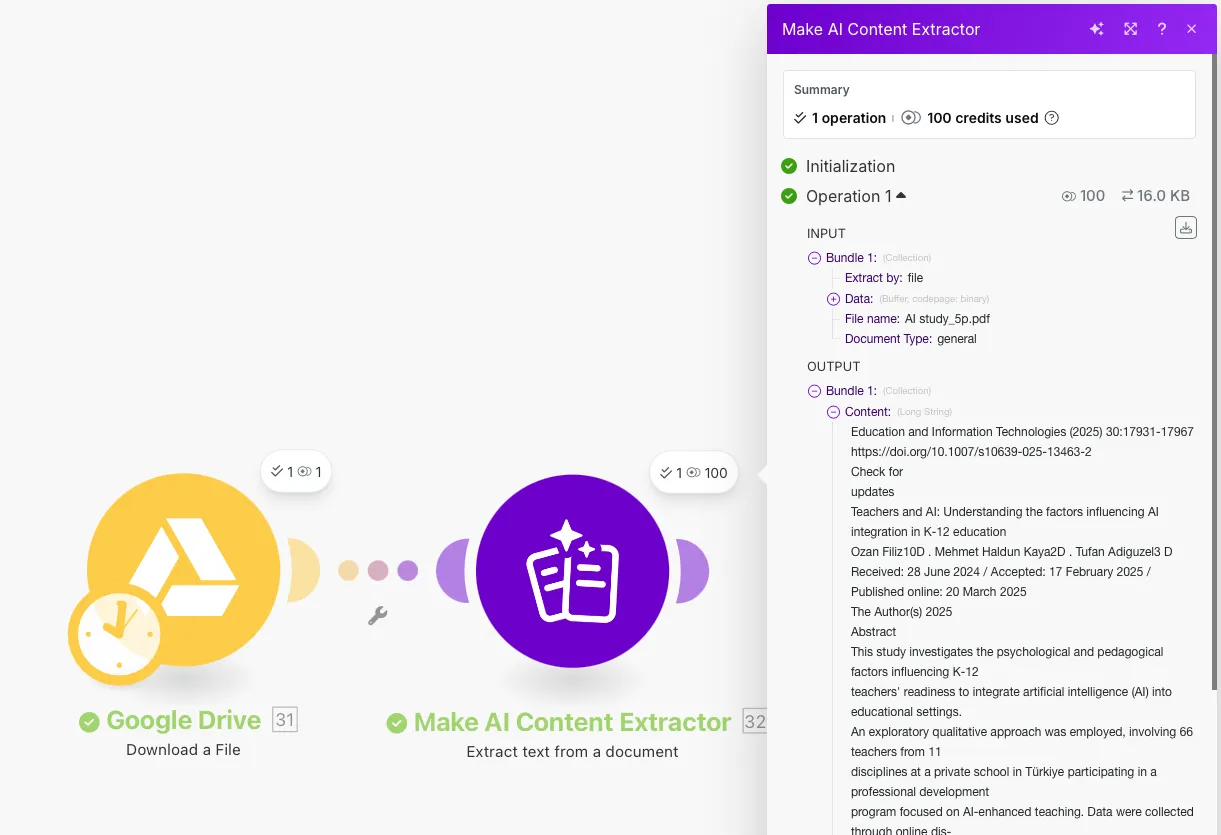
Extract text from a document
This module uses 10 credits for each page processed.
Example: If you extract text from a document with 3 pages, it costs 30 credits.
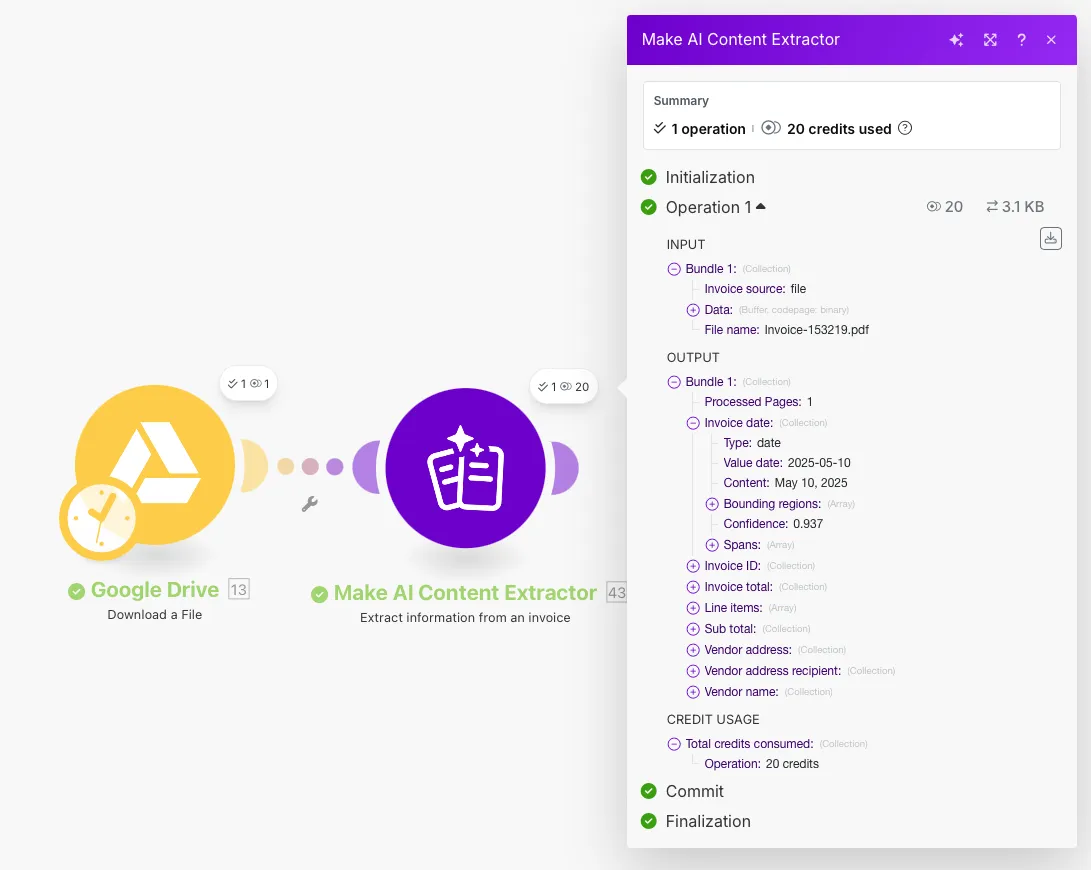
Extract information from an invoice
This module uses 10 credits for each operation.
Example: If you extract information from two invoices, the module will complete two operations and use 20 credits.
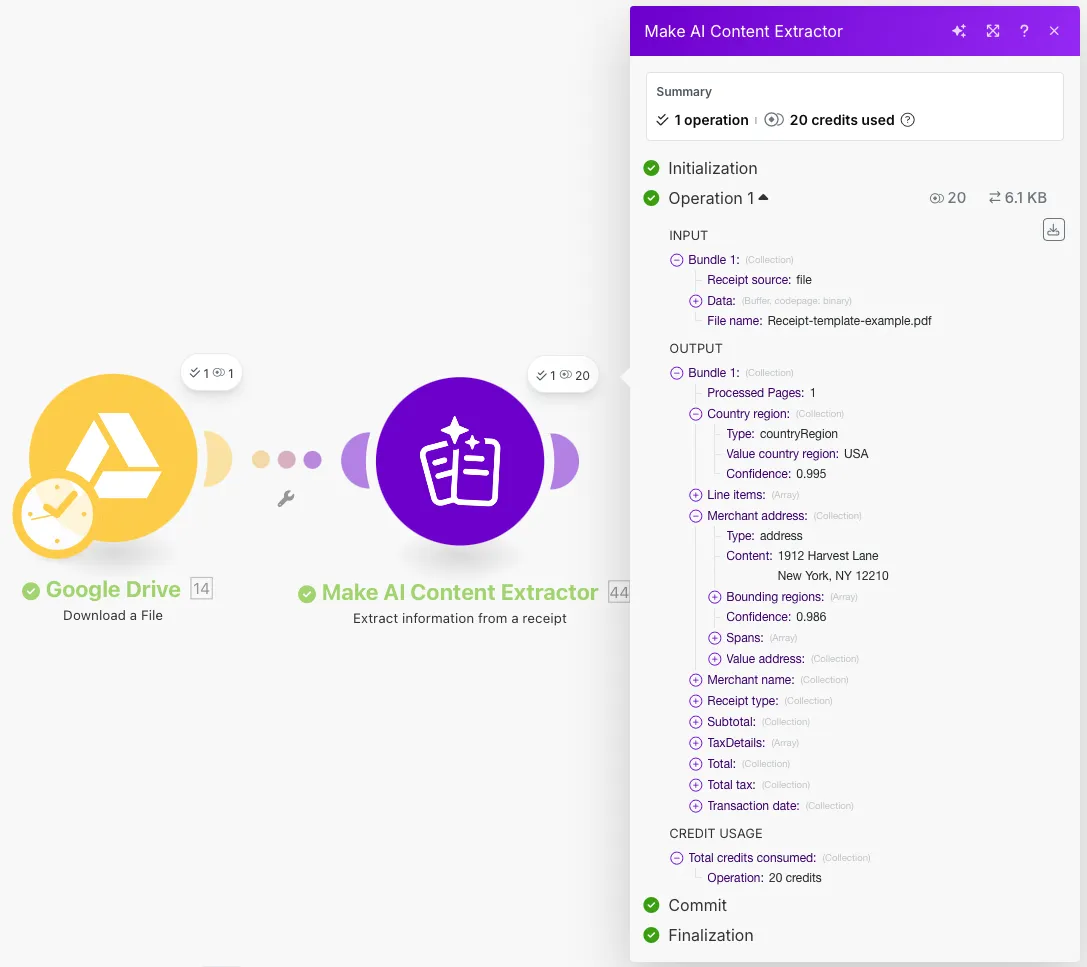
Extract information from a receipt
This module uses 10 credits for each operation.
Example: If you extract information from two receipts, the module will complete two operations and use 20 credits.
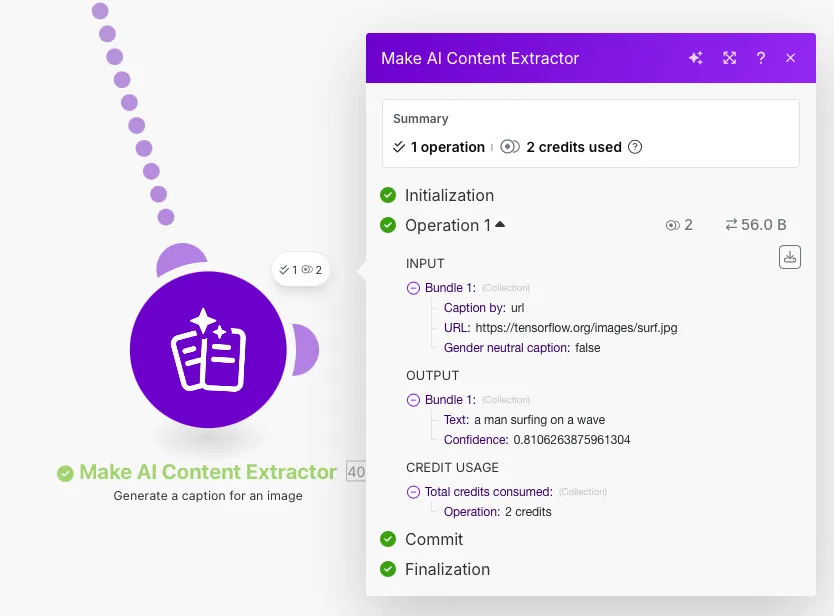
Generate a caption for an image
This module uses 2 credits for each operation.
Example: If you generate captions for two images, the module will complete two operations and use 4 credits.
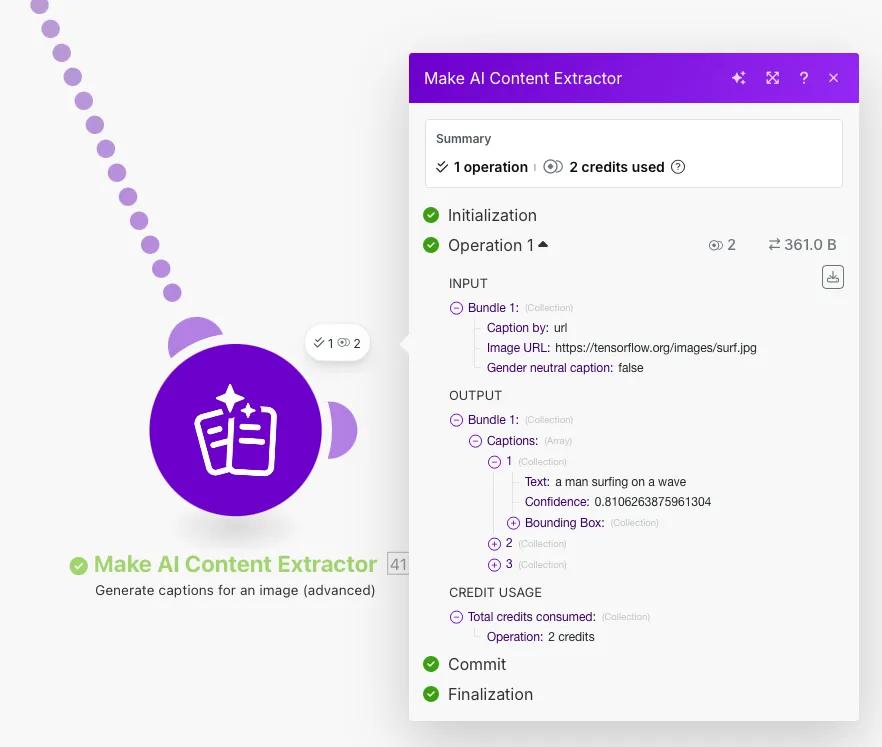
Generate captions for an image (advanced)
This module uses 2 credits for each operation.
Example: If you generate multiple captions for two images, the module will complete two operations and use 4 credits.
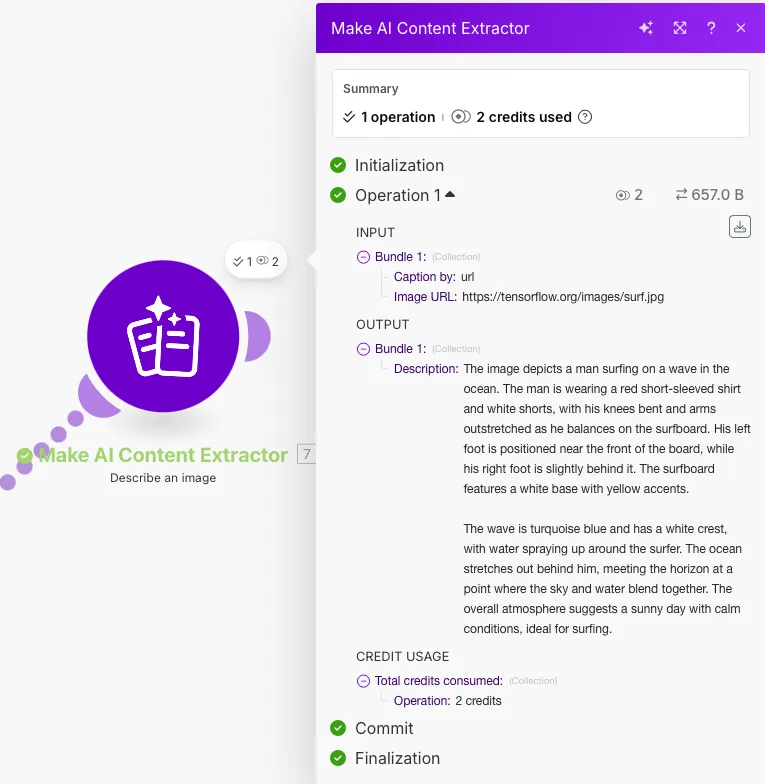
Describe an image
This module uses 2 credits for each operation.
Example: If you describe two images, the module will complete two operations and use 4 credits.
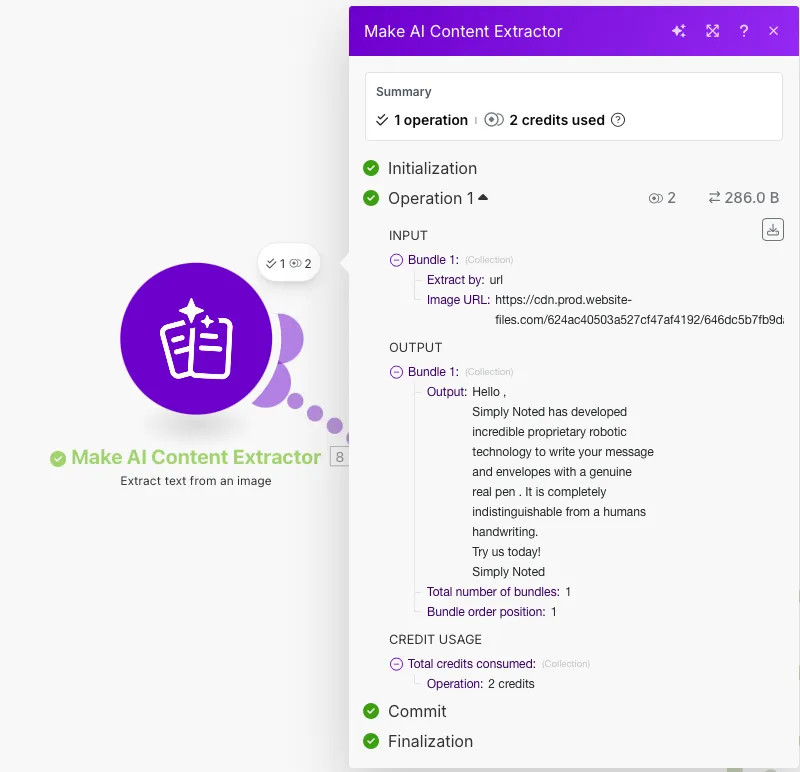
Extract text from an image
This module uses 2 credits for each operation.
Example: If you extract text from two images, the module will complete two operations and use 4 credits.
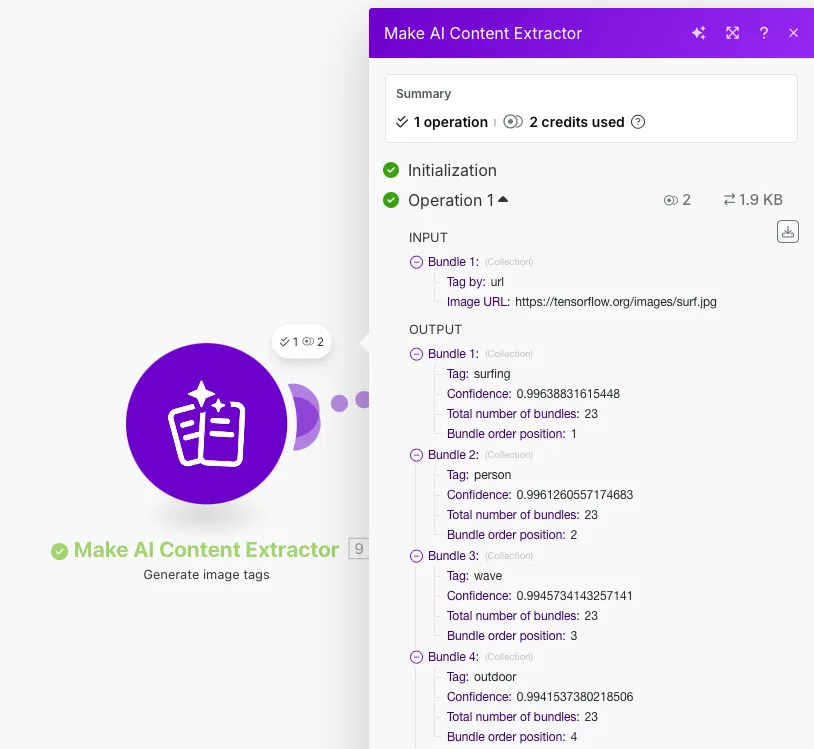
Generate image tags
This module uses 2 credits for each operation.
Example: If you generate tags for two images, the module will complete two operations and use 4 credits.
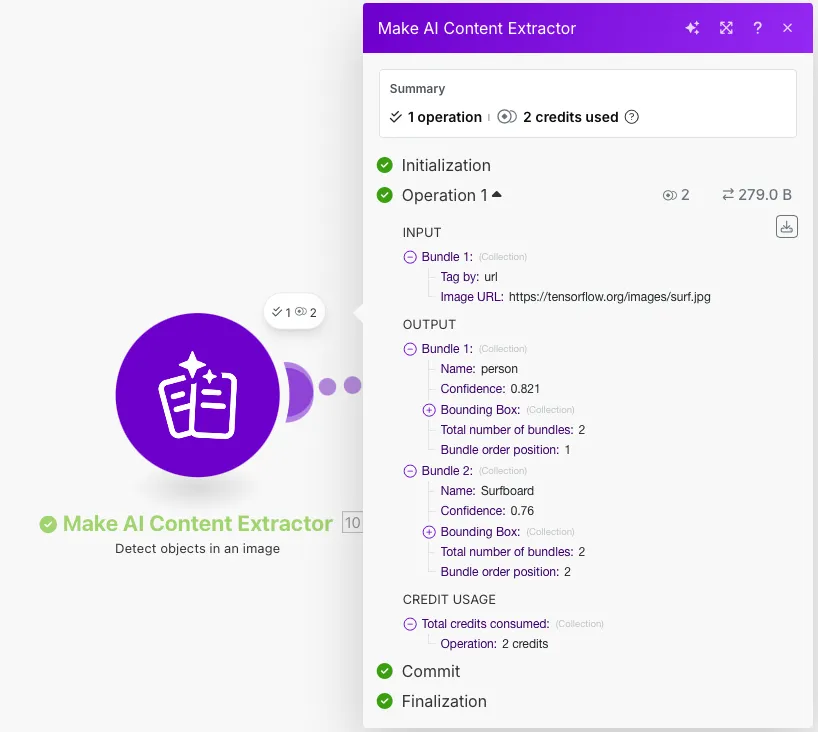
Detect objects in an image
This module uses 2 credits for each operation.
Example: If you detect objects in two images, the module will complete two operations and use 4 credits.
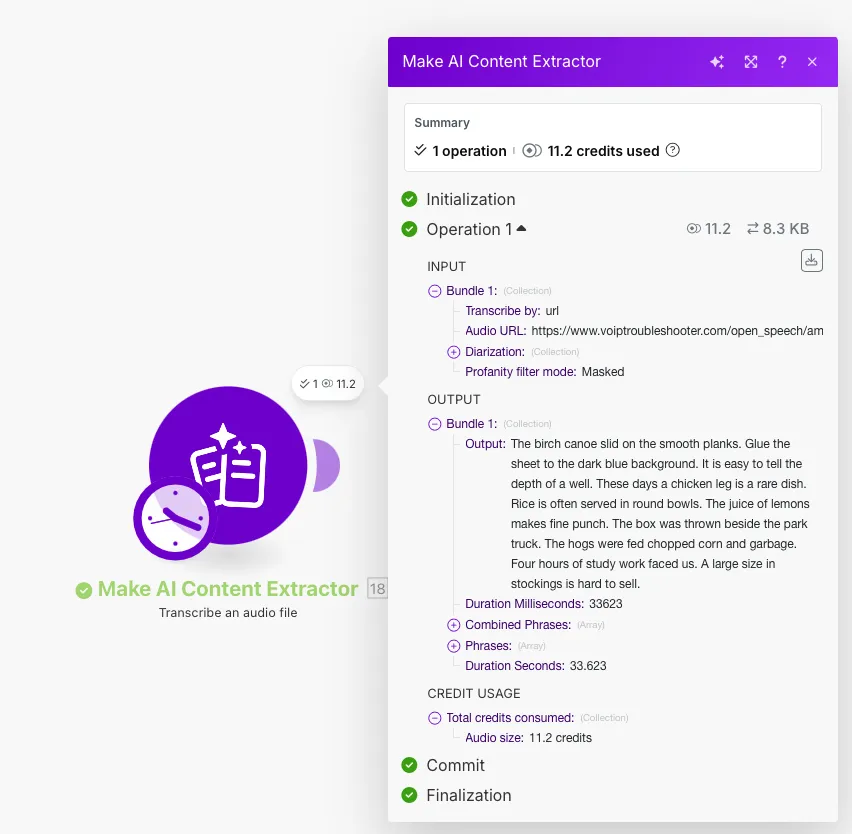
Transcribe an audio file
This module uses 20 credits for each minute of audio processed.
Example: If you transcribe an audio file with 3.5 minutes, it costs 70 credits.
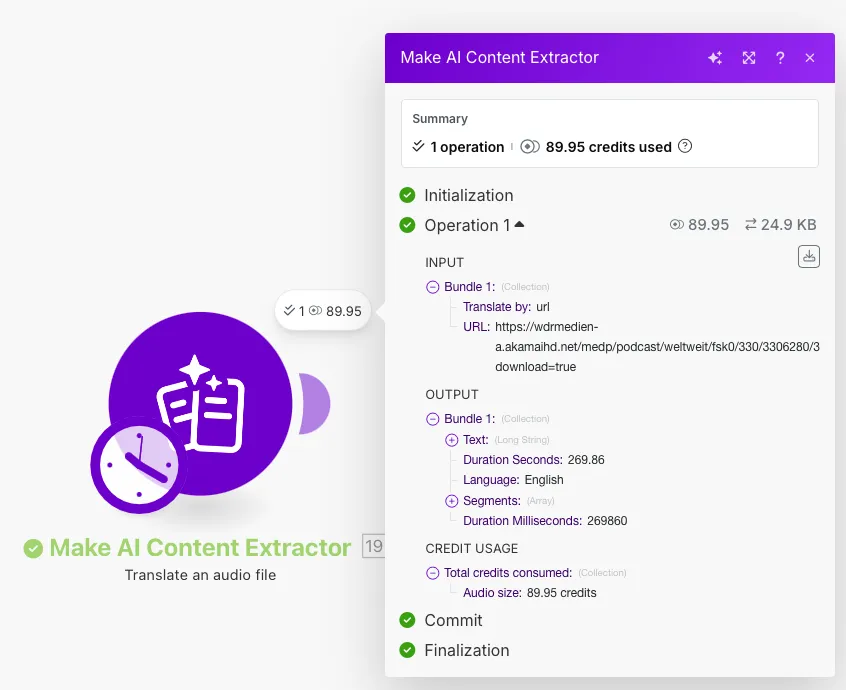
Translate an audio file
This module uses 20 credits for each minute of audio processed.
Example: If you translate an audio file with 3.5 minutes, it costs 70 credits.
For more detailed information about credits, refer to the Credits documentation.
Make AI Content Extractor modules
All modules support two ways to upload a file:
Via a publicly accessible URL
You can paste a publicly accessible URL directly into the module to extract information from the file.
Mapping a file from your cloud storage
If your file is stored on a cloud service like Google Drive, OneDrive, or similar, first use a module to download the file (e.g., Google Drive - Download a File). Next, add a required Make AI Content Extractor module and choose to extract by file.
You can use the following types of modules to build your scenarios.
The current features and functionality are still in beta and are actively being improved. As such, pricing is subject to change and will be updated as the app evolves.
Document
Image
Speech
Templates
You can look for Make AI Content Extractor templates in Make's template gallery, where you'll find thousands of pre-created scenarios.